
SQLKit
Writing SQL, made simple
Minimal SQL desktop tool
Writing SQL, made simple
A lightweight SQL desktop tool for developers: no cluttered panels, a small footprint, built-in statement templates, and one-tool access to MySQL, PostgreSQL, and SQLite.
Not a database management platform—just a desktop tool that makes writing SQL comfortable.
Minimal Workspace
Key Features
Focused on one thing—writing SQL—kept lightweight and easy to pick up.
Minimal Interface
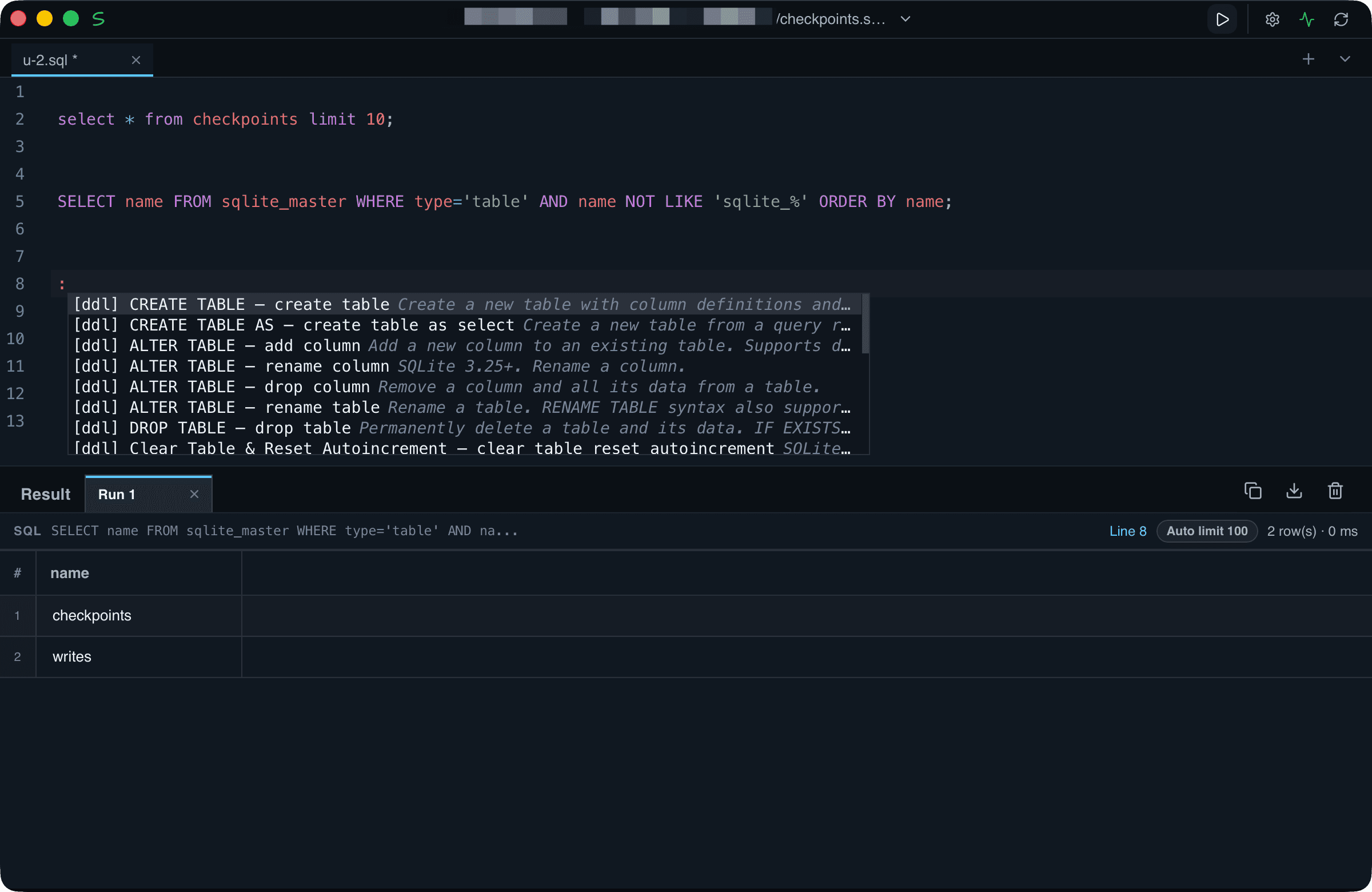
Keeps only what you actually need to write SQL—no object trees, ER diagrams, or heavy schema panels. Clean, low-memory, and ready the moment you open it.
Statement Templates
Built-in examples and templates for common SQL statements. Type a keyword to get writing hints, so beginners can produce correct queries without memorizing syntax.
Multi-database Connections
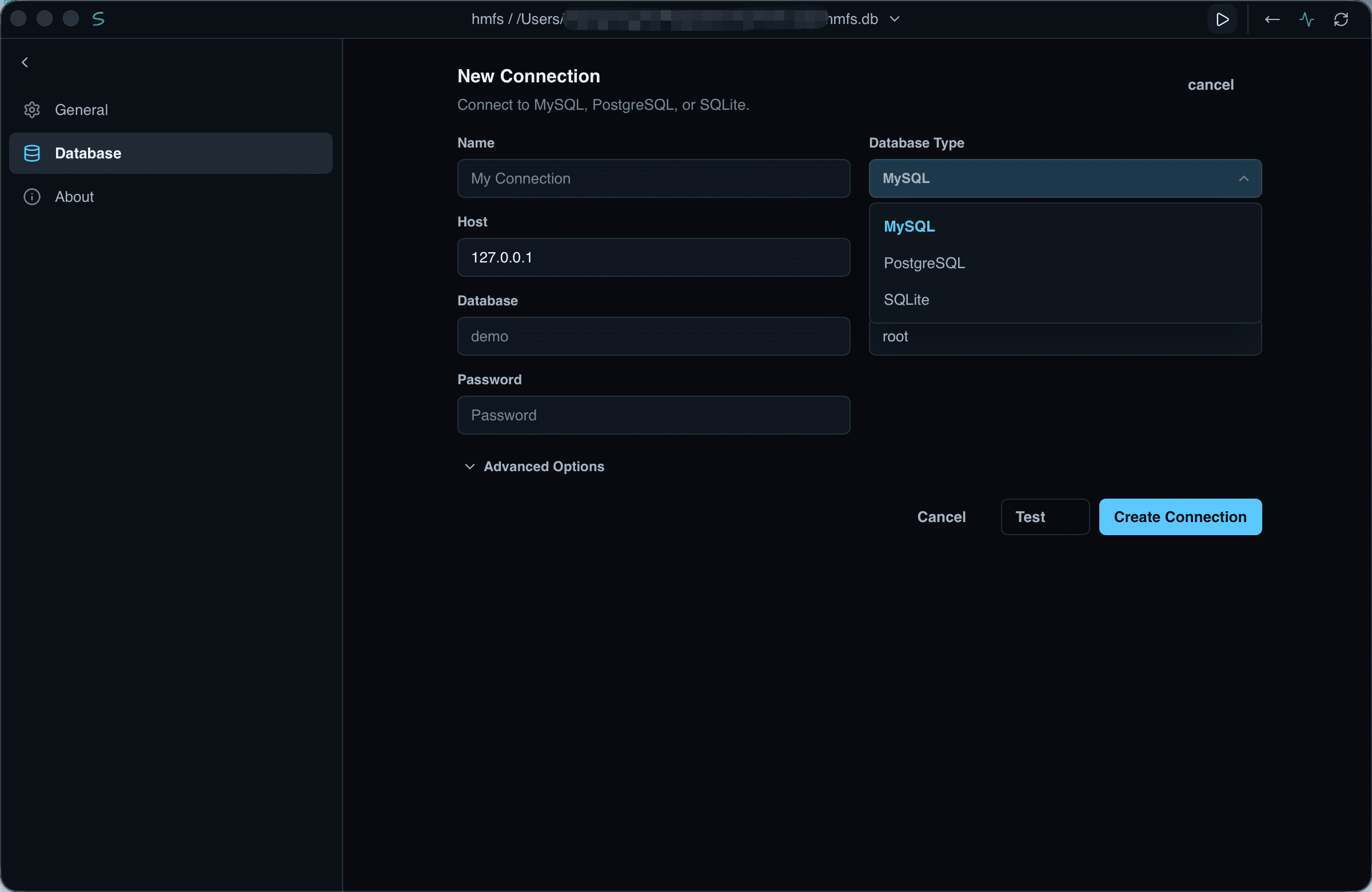
Connect to MySQL, PostgreSQL, and SQLite from a single tool and switch freely between databases—no more juggling multiple apps.
Download SQLKit
Pick the build that fits your system and download it.
Run it directly after downloading—no installation or extra configuration needed.